A wedding invite can be printed, digital, or a combination of both. It tells guests which parts of your wedding they are invited to, while a linked wedding website provides practical details and a place to RSVP. Start with clear wording and the right schedule, then choose a design that suits you as a couple. By the end of this guide, you will be ready to write your invitation, choose the right format, and keep responses and dietary requirements organized.
At a glance
- Make it immediately clear what guests are invited to, where they should go, and how to respond.
- Choose paper, digital, or a combination based on your guests’ preferences and how you want to manage responses.
- Collect attendance details and dietary requirements through an RSVP form linked to your guest list.
- Show all-day and evening guests only the schedule that applies to them.
- Compare the total costs and check the wording, schedule, and RSVP process before sharing your invitation.
What a wedding invite does—and does not do
A wedding invite is an invitation to your wedding, whether it takes the form of a printed card or a digital invitation. A save the date primarily announces your wedding date so guests can keep it free. The invitation itself explains what someone is invited to, where and when they should arrive, and how to RSVP.
A wedding website provides space for additional information, but it does not automatically replace the invitation. For example, keep your invitation concise with your names, the date, the venue, and a link to your wedding website. Put directions and the schedule on the website rather than squeezing everything onto the card.
Why clarity comes before design
A clear wedding invite helps guests understand what they are invited to and how to respond. Their response should also give you useful information, so you do not have to follow up to ask whether they are coming. A beautiful card without a clear start time or venue will still lead to messages asking: where do we need to be, and when?
First, decide what guests need to know and which answers you need from them, such as whether they will attend and any dietary requirements. Only then choose colors and fonts: the design supports the message, but cannot replace it. This prevents an attractive layout from overshadowing essential information.
Choosing digital, paper, or both
Choose your wedding invite format based on what works for your guests and how you want to track responses. Paper gives guests something tangible; digital provides access to up-to-date information and an RSVP form.
| Format | Benefit | What you need to manage |
|---|---|---|
| Paper | A tangible invitation | Mailing invitations and tracking responses |
| Digital | Up-to-date information and RSVPs | Sharing the link |
| Combination | Both options | Maintaining one wedding website |
You can send a printed wedding invitation with a QR code linking to the same wedding website you share digitally. If someone would rather not respond through a link, offer phone or email as an alternative and add their response to your guest list yourself.
What information belongs on the invitation
Keep your wedding invite concise: include the details guests need to understand immediately what they are invited to. Save practical details for the wedding website. This keeps the card easy to read, although guests will need to follow the link for more information.
- Include your names and wedding date.
- Name the venue relevant to that guest.
- Give the start time for the part of the wedding they are invited to.
- State which parts of the celebration they are welcome to attend.
- Explain how to respond, for example through an RSVP link or QR code.
For a dinner invitation, for example, write: ‘Please join us for dinner and the celebration afterward.’ Put detailed directions, parking tips, and dress code guidance on the wedding website.
Writing clearly in Dutch and English
Using the term wedding invite does not mean your invitation has to be in English. Choose the language that suits you and your guests. If your guest list includes speakers of both languages, provide the same essential information in each. This takes a little more space, but helps ensure no one misses anything.
The Dutch phrase ‘We nodigen je uit voor ons huwelijksfeest’ and the English ‘Join us for our wedding celebration’ are both warm opening lines. However, neither makes it clear whether the guest is also expected at the ceremony. In both languages, explicitly state which part of the wedding the guest is invited to, along with its start time.
Turning a template into a useful wedding website
Choose a template for your wedding invite, then add your own photos and wording. A large photo helps set the mood, but should not push practical information into the background. Keep the visuals uncluttered and organize information into short sections, making the venue easy to find.
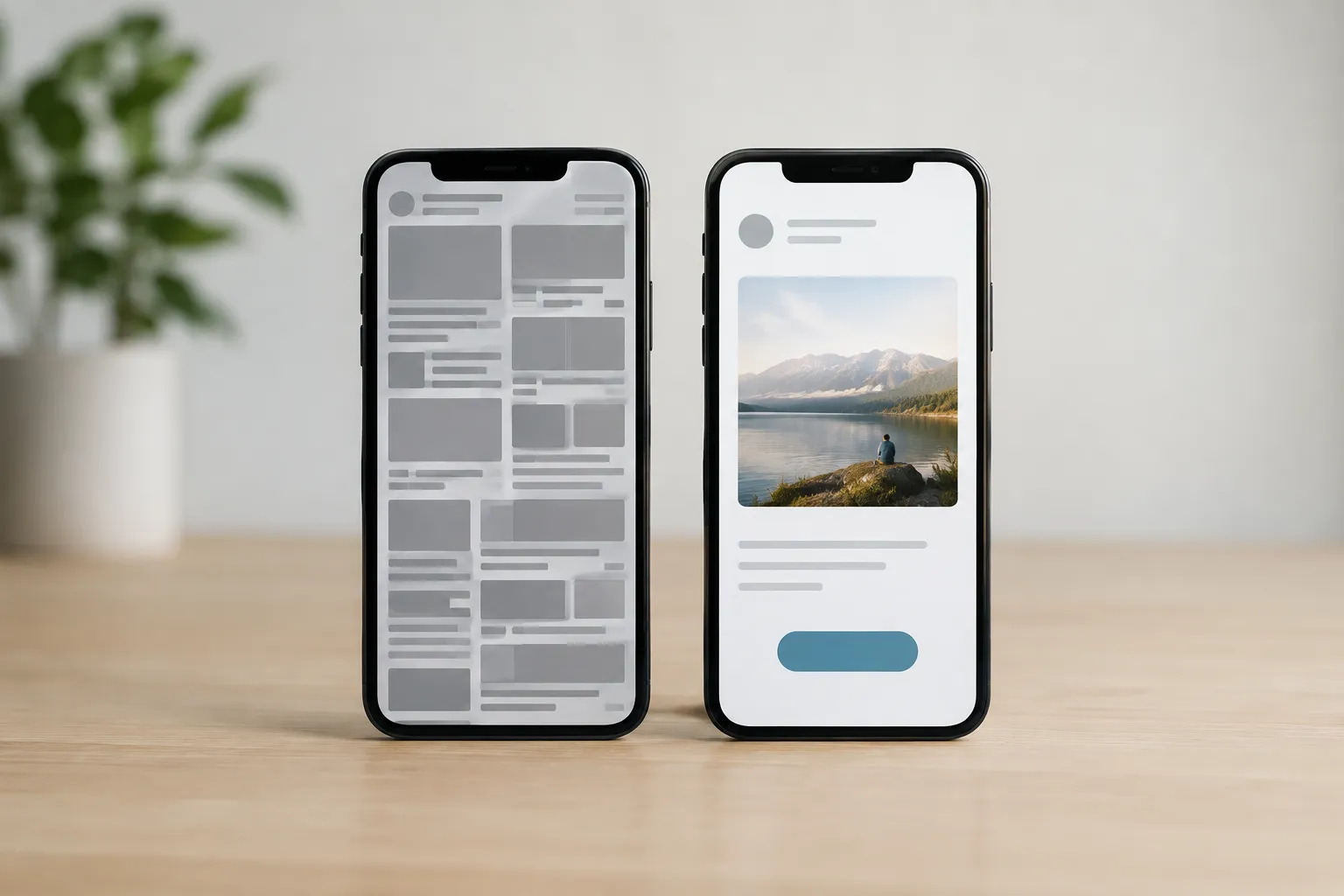
Ensure sufficient contrast between the text and background: the W3C’s WCAG guidelines specify a minimum contrast ratio of 4.5:1 for normal text. Give the RSVP button a distinctive color and a clear label, such as ‘Let us know if you’re coming’. Then open your wedding website on your phone and complete the same task a guest would: find the venue and respond. If you have to hunt for information or zoom in, adjust the order of the content, text size, or button.
Read also: Wedding Invitation Wording: Examples, Tips, and Common Mistakes (2026).
Keeping RSVPs and dietary requirements organized
Link your wedding invite’s RSVP form to a guest list where you can manage attendance and dietary requirements for each guest. Do not simply ask whether a household is coming; let respondents specify who will actually attend. If the parents are coming but the children are not, your overview needs to reflect that distinction.
A detailed form may seem useful, but it can also collect unnecessary information. Ask only for what you need to organize the wedding. Keep responses private rather than displaying them publicly on your wedding website. Before sharing the invitation, check that your chosen dashboard clearly shows responses for each guest, including when only some members of a household are attending.
Giving all-day and evening guests the right schedule
State exactly what each guest is invited to in your wedding invite: ‘Please join us for our evening celebration.’ Include the start time and venue so evening guests do not assume they are also invited to the ceremony or dinner.
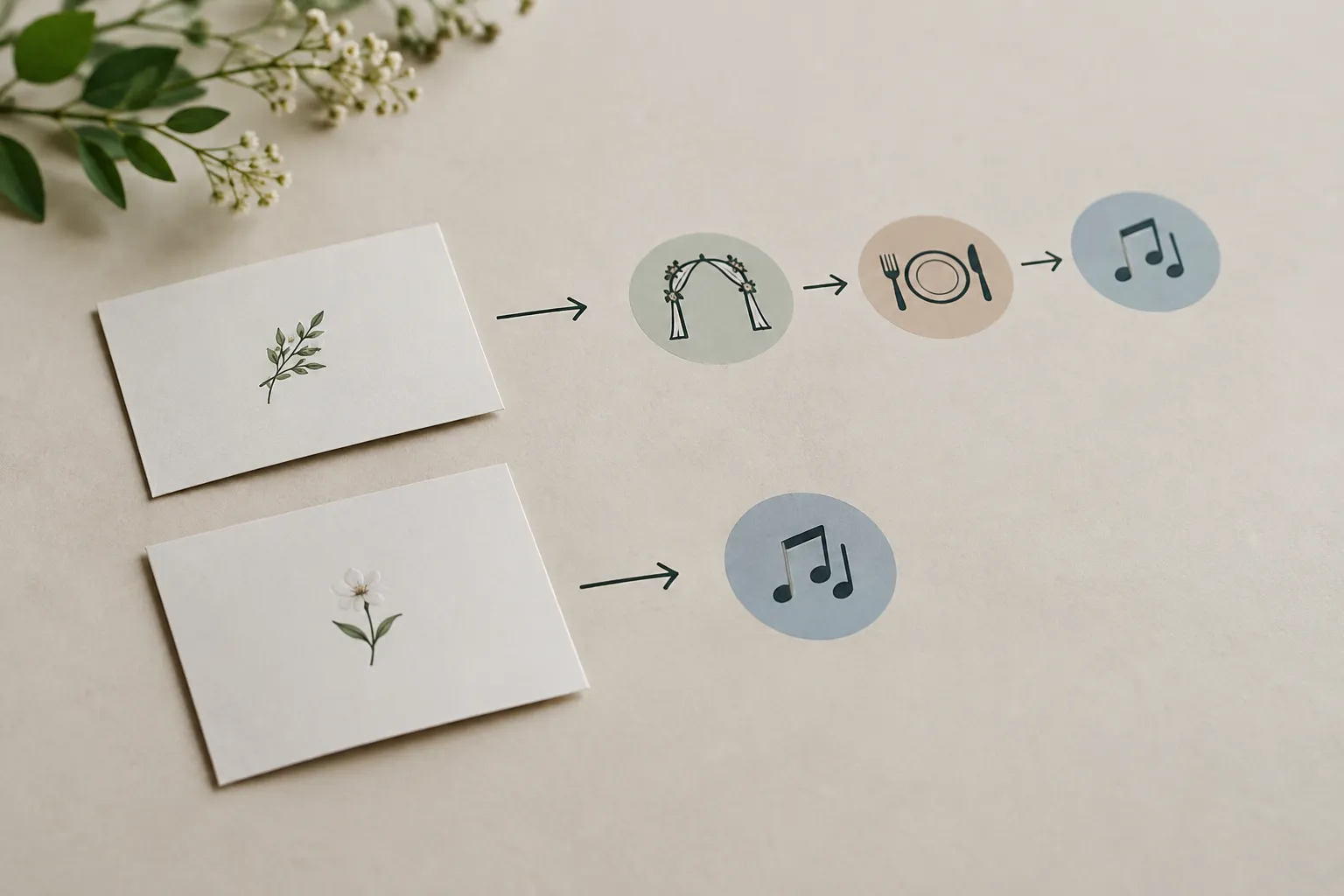
Check in advance whether your chosen solution supports different schedules for different guest groups. A single link to the full day’s schedule is easy to share, but can cause confusion if not everyone is invited to every part. Instead, choose a schedule tailored to each guest group, or share separate invitations containing only the relevant events.
Which choices affect the total cost
When comparing wedding invite options, look at the total cost, not just the price per card or the starting price. For printed invitations, design, paper type, finishes, envelopes, printing, and postage may all be charged separately. A premium finish can make your card feel more personal, but it can also increase the bill.
For digital options, check which features, how much access time, and any extras are included in the price. Digital does not automatically mean free: make sure the package suits your guest list and the RSVP features you want. If you combine a wedding website with a printed wedding invitation, you will still have printing and postage costs. Request complete quotes based on the same requirements and quantities.
Common mistakes to check before sharing
Before sharing your wedding invite, set aside time for a final check from your guests’ perspective. It takes a little effort, but prevents follow-up corrections and confusion about where and when someone is expected.
- Check venue addresses and make sure navigation links lead to the correct entrance.
- Compare the times, venues, and dress code on your printed invitation with those on your wedding website.
- Test every link and the printed QR code on a phone.
- Go through the RSVP process and check that guests can both accept and decline.
- Ask someone to review the invitation as an evening guest and check that they understand what they are invited to and which schedule applies.
- Check as a guest that only your own details are visible, not the entire guest list.
Our experience at WeddingInvite
At WeddingInvite, we have been creating wedding websites since 2018. For your wedding invite, we offer a customizable design, a personal greeting, and separate schedules for all-day and evening guests. This lets you tailor not only the look to your wedding, but also the information to each guest.
Our RSVP forms ask different questions for all-day and evening guests. The welcome message can also automatically include your guest’s name. This helps you personalize your wedding website and show each group its own schedule.
We also let you share your invitation through WhatsApp, email, or a physical card. Our digital wedding invitation offering includes the option of matching printed stationery, so digital and paper do not have to be mutually exclusive.
You can create a free account and start building with us without a credit card or payment details. This allows you to work on your wording, colors, and design before choosing Premium.
All-day and evening guests see the information intended for them. Take a look and find a wedding template that suits you.
Sources
- Wedding Invitation Cards and Save the Date Cards – mycards.nl
- Understanding Success Criterion 1.4.3: Contrast (Minimum) – w3.org
Frequently asked questions
Do we need to include our surnames on the wedding invitation?
No, you do not have to include your surnames on the wedding invitation. For a personal wedding invite sent to family and friends, your first names may be enough. If you are also inviting colleagues or distant relatives, surnames make it immediately clear who is getting married. Choose what feels right for you, and use the same names consistently on your invitation, wedding website, and any printed wedding cards.
Whose name goes first on the wedding invitation?
You can decide whose name appears first on your wedding invitation. Choose the order that sounds right to you or works best with the design. There is no need to base the order on gender. Read the names aloud together, then keep your chosen order consistent across your wedding website, printed invitation, and other communications with guests.
Is it acceptable to send only a digital wedding invitation?
Yes, you can send only a digital wedding invitation, provided your guests can receive and use it easily. Make the invitation personal with your names, warm wording, and clear information about the venue, schedule, and RSVP process. Consider guests who are less comfortable with technology: give them a call or help them respond. A printed wedding invitation remains an option, not a requirement.
How do I make it clear whether a guest can bring a partner?
Use the greeting and a brief explanation to make it clear whether your guest can bring a partner. If you know the partner, include both names. If the guest can choose whom to bring, write something like: ‘You and your partner are warmly invited.’ If you are inviting only the guest, explain that politely. Make sure the RSVP form also reflects who is invited, so there is no uncertainty.
How do I address a whole family on the wedding invitation?
You can address a whole family with ‘Dear [Surname] family’ or list everyone’s first names. Including the children by name makes it clear that they are welcome too. If family members have different surnames, first names are often the clearest option. Specify separately if any parts of the schedule are adults-only, so parents know exactly what the family is invited to.