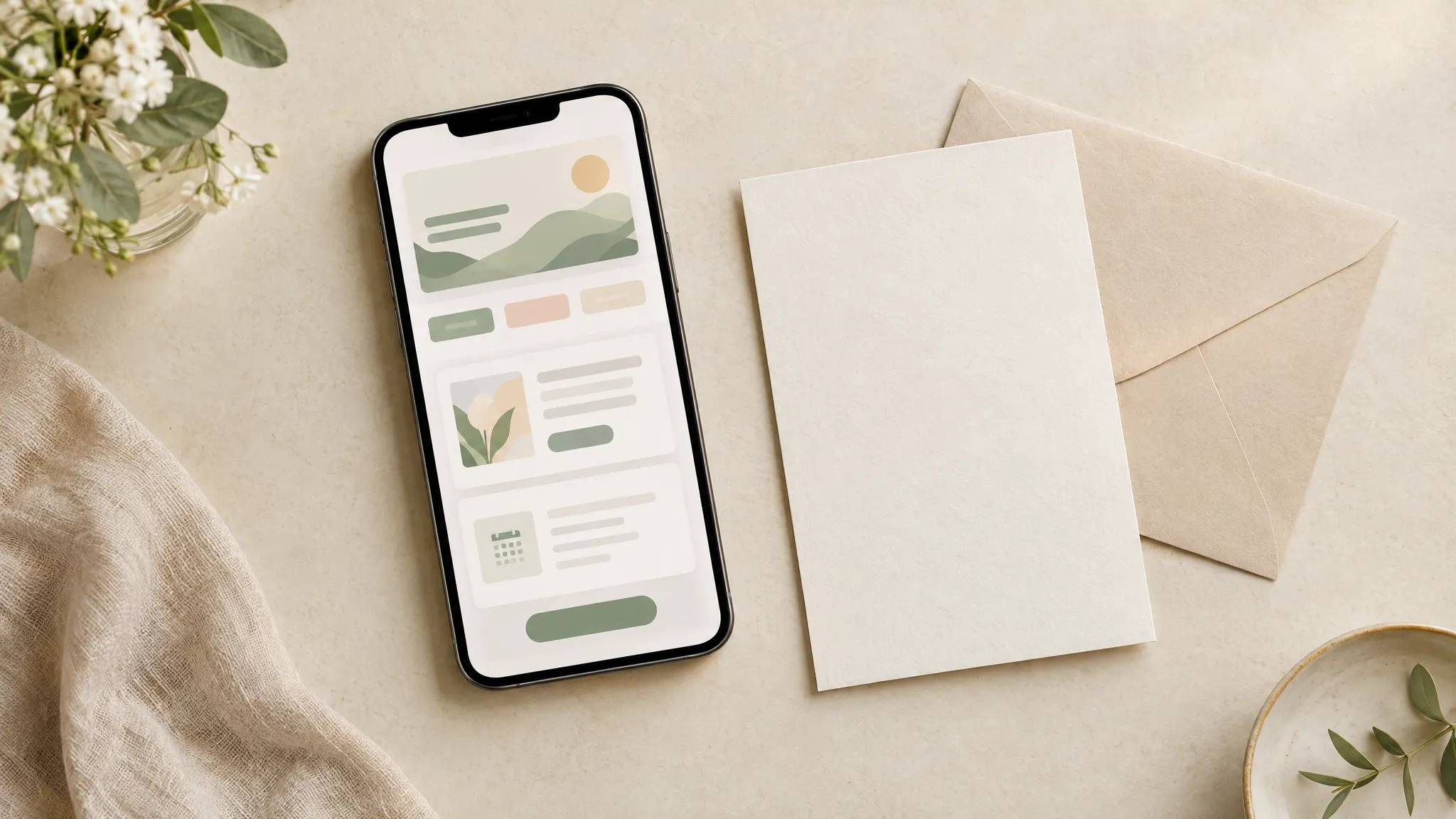
A beautiful invitation is just the beginning: clear information and well-organized responses make wedding planning easier. This guide helps you decide whether this approach suits you and what to check before sending your invitations.
At a Glance
- Your digital wedding invitation invites guests to celebrate with you; your wedding website brings together practical details, your story and the schedule.
- Guests submit their RSVPs and dietary requirements through a link or QR code, keeping responses in one place.
- Make the schedule clear for each guest group so all-day and evening-only guests know when to arrive.
- Printed wedding invitations and digital wedding websites complement each other: a physical invitation, with practical information and RSVPs online.
- Look beyond the design to consider readability, access, guest management and the total cost of sending invitations and handling responses.
What WeddingInvite Does for Your Wedding
WeddingInvite combines a digital wedding invitation, a personalized wedding website and an overview of guest responses. You use the platform to share information about your wedding and collect RSVPs. A guest opens the invitation, checks the venue details, confirms their attendance and adds a dietary requirement, such as a vegetarian meal.
Their response appears in your guest overview, keeping attendance and dietary requirements together. You can send invitations entirely online or combine a printed wedding invitation with a QR code linking to your wedding website: choose whichever suits your guests. This article explains the features and considerations without repeating a detailed guide to creating or sending invitations.
Invitations and Wedding Websites Serve Different Purposes
A digital wedding invitation asks your guest to join you; a wedding website provides space for practical information and your story. Keep the invitation short, for example: ‘We’re getting married and would love to celebrate with you. Visit our wedding website for directions, the schedule and the dress code.’
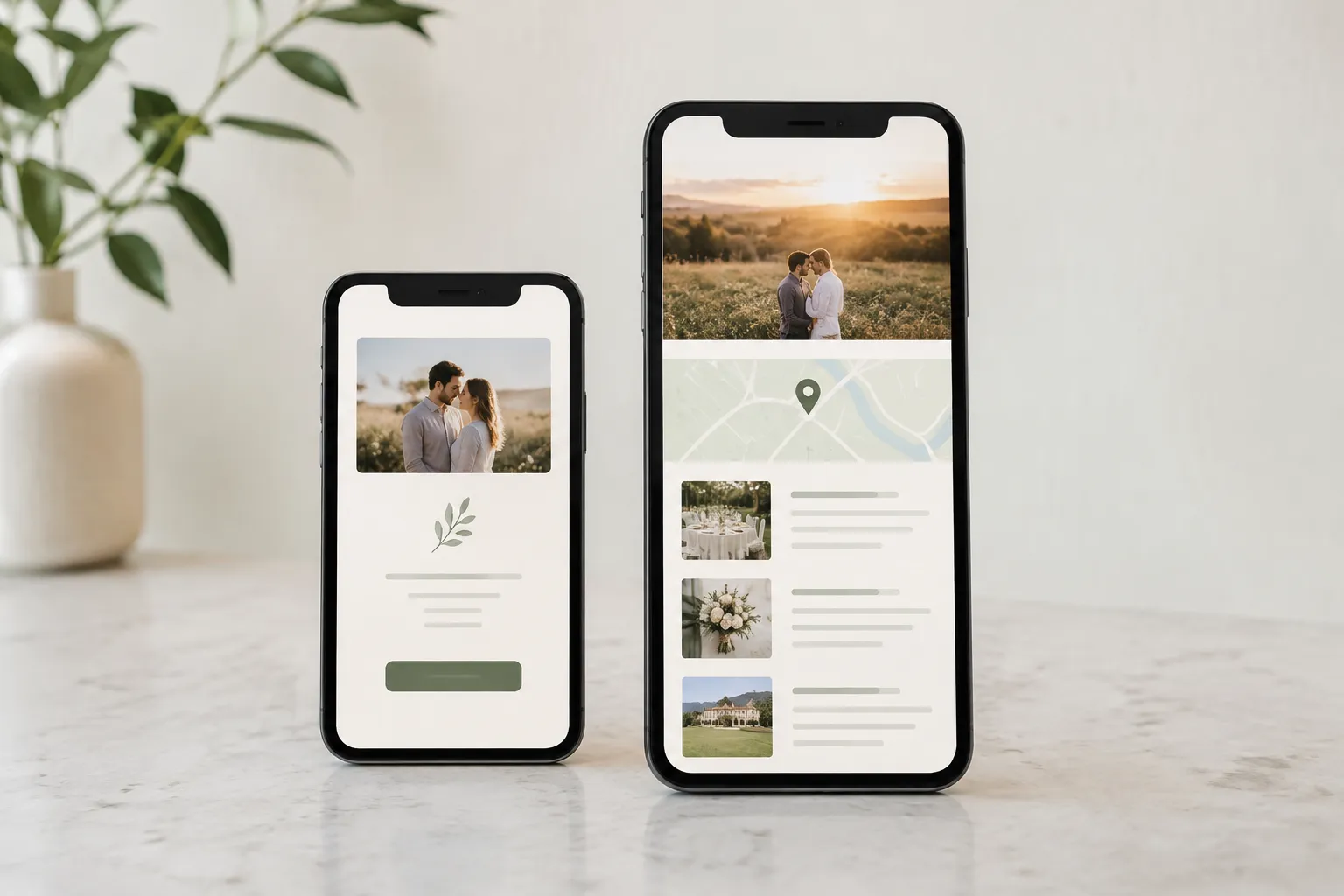
Your wedding website can then include photos, your story and more detailed information. This makes the page personal, but don’t let practical details get lost among the photos. Place the schedule, venue information and RSVP section clearly near the top so guests can quickly find what they need.
When Digital Guest Management Really Helps
A digital wedding invitation is a good fit if you want to collect responses in one place rather than maintain separate lists. Think of guests who confirm via WhatsApp, email their dietary requirements or mention during a visit that their partner is coming too. Using one consistent RSVP method reduces manual data entry and makes information less likely to go missing.
If you want a physical card to keep, combine a printed wedding invitation with a QR code linking to your wedding website. This keeps the invitation personal while letting you collect responses digitally. If some guests prefer to reply by phone, keep that option available and add their responses to your guest list yourself.
Turning Guest Responses into a Useful Overview
Your guests open the link to your wedding website or scan the QR code, then submit their RSVP and dietary requirements. WeddingInvite collects their responses in real time in one central overview, keeping attendance and meal requirements together.
Use this overview to share guest numbers and meal requirements with your caterer and other relevant suppliers. Give each supplier only the information they need: your caterer needs meal requirements, for example, while an equipment rental company mainly needs headcounts. Before sharing the information, check whether any responses are still missing.
This saves you from searching through individual messages, but a brief form response may not provide enough information. If someone writes only ‘no milk’, ask them directly whether this is a preference, an intolerance or an allergy. Pass that clarification on to your caterer so they can assess what is needed.
A Personal Wedding Website That Stays Practical
WeddingInvite lets you personalize your wedding website with photos, your story and the schedule. You can adapt the design to your own style and colors, but don’t sacrifice clarity for atmosphere.
Group the venue details, schedule and dress code together clearly, before a longer story about how you met. Include the venue’s address so guests don’t have to look it up.
Review a template on your phone: can you read the text and find the venue quickly? Choose a simple background rather than a photo that makes the text hard to read, and ensure sufficient contrast: the W3C’s WCAG guidelines specify a minimum of 4.5:1 for normal text. When creating a wedding invite, follow this order: useful information first, personal details second.
Clear Information for All-Day and Evening-Only Guests
A private ceremony followed by a larger celebration calls for clear invitations tailored to each guest group. Tell all-day guests which parts of the day they are attending, and give evening-only guests only the details relevant to their invitation. Include the expected arrival time and location so nobody accidentally turns up at the ceremony.
Before choosing a platform, check how it supports different schedules and guest groups; don’t assume every platform offers this. A general schedule is easier to create but requires extra explanation, so check what each guest group will actually see.
Combining Print and Digital
Pair a physical printed wedding invitation with a link or QR code to your digital wedding website for practical details and RSVPs. This does not mean that printing or postage is included.
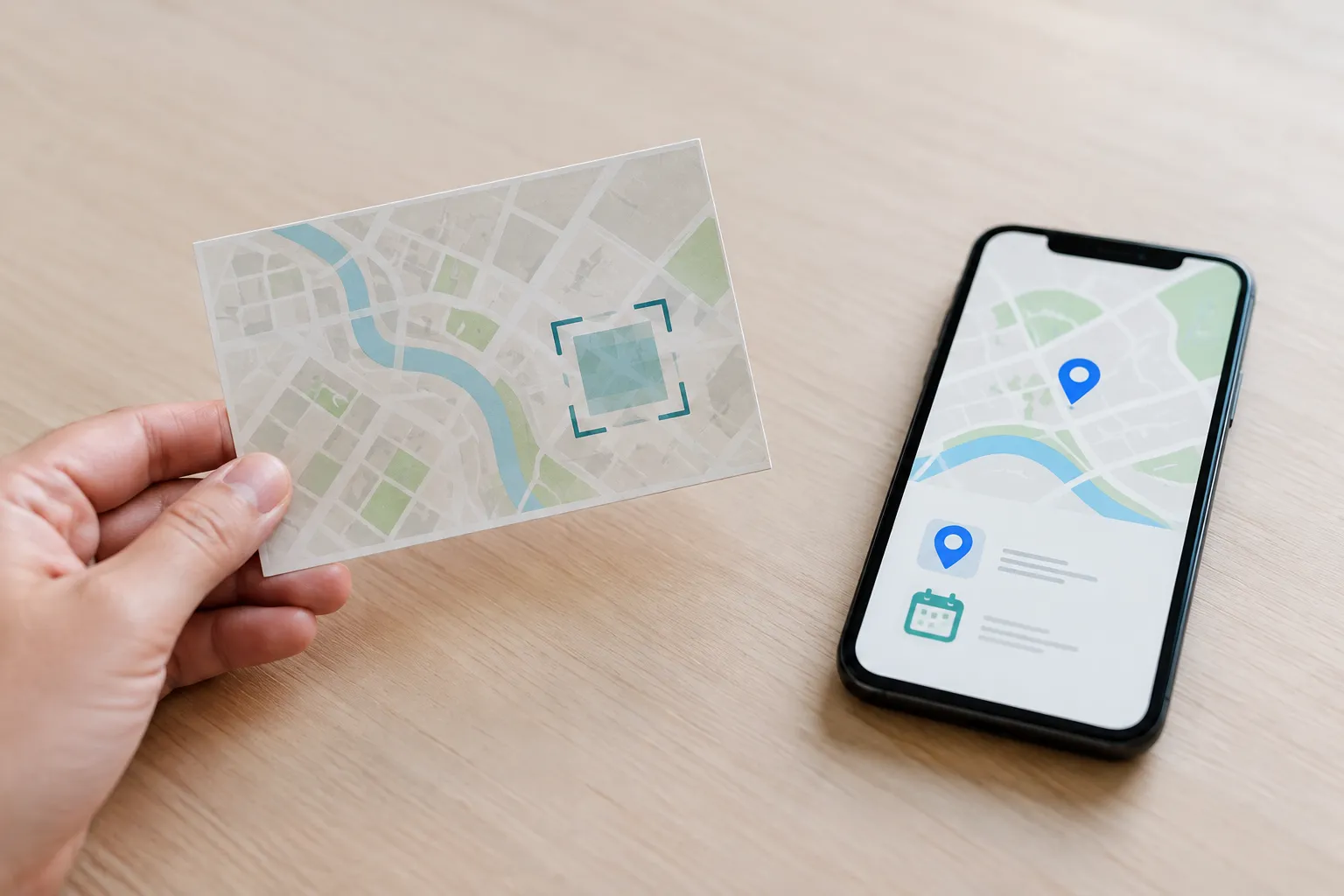
Keep your wedding website as the central source of up-to-date information; you cannot change printed details after the cards have been sent. Before sending your wedding invitations, test the QR code and include a readable link as well. Offer help to guests who find these difficult to use, for example by phone, and add their responses to your guest list yourself.
Assessing Costs Beyond the Invitation Itself
Don’t simply compare the price of a printed wedding invitation with that of a digital wedding invitation. Check WeddingInvite’s current platform pricing, what is included and whether additional digital features cost extra. For printed invitations, include printing, envelopes and postage, as well as any extra cards needed for changes or guests you initially forgot.
Then prepare two cost breakdowns based on your own guest list: one for an entirely digital approach and another for a combination of print and digital. For print, calculate the number of cards you need rather than automatically using the number of guests. This shows the true cost of your preferred approach and helps you decide where printed invitations are worth the extra expense.
Checking Access and Guest Data in Advance
Before sharing your wedding website, check who can view it: anyone with the link, or only invited guests? Ask WeddingInvite how access works, whether a forwarded link grants access and which RSVP form fields are required.
Also ask who can edit guest details, how long they are stored and how you can have them deleted. Distinguish between who can see your website and how your guest list data is stored.
Collecting more information gives you a more detailed overview, but also asks guests to share more. Only collect what you need: relevant dietary requirements for the caterer, not detailed medical information. According to the Dutch Data Protection Authority, information about a person’s health is special category personal data and is subject to strict rules.
Avoiding Common Mistakes Before You Choose
Don’t assess WeddingInvite solely on the appeal of a template: readability, clearly defined guest groups and a useful guest overview matter more than decoration. Don’t assume that every guest can respond digitally without help or that every feature you want is included as standard.
- Check on your phone that the text, schedule and RSVP section are easy to read and use.
- Check that all-day and evening-only guests clearly receive the correct schedule.
- Submit a test response with attendance and dietary requirements.
- Confirm that both pieces of information appear clearly in the guest overview.
- Decide who will help guests who cannot respond independently.
- Ask in advance which of your desired features are included.
Our Experience at WeddingInvite
At WeddingInvite, we have been creating wedding websites since 2018. You can create a free account and build your wedding website without a credit card or payment details. This lets you start designing your page before choosing Premium.
We distinguish between all-day and evening-only guests: each group can see its own schedule and a personalized greeting. The RSVP forms also ask different questions for these groups. This allows you to tailor the invitation and RSVP process to the part of the wedding each person is invited to attend.
You can customize every design to match your style and colors, and share invitations via WhatsApp, email or a physical card. We offer a matching print package alongside the digital wedding invitation, so you can combine digital and printed formats.
Have a question while building your website? Our team aims to respond to messages within 24 hours.
Take your time to find the template that suits you.
Sources
- Understanding Success Criterion 1.4.3: Contrast (Minimum) – w3.org
- Legal Bases Under the GDPR Explained – autoriteitpersoonsgegevens.nl
Frequently Asked Questions
Can I use WeddingInvite if I already have printed wedding invitations?
Include the link to your wedding website on the card or share it later via WhatsApp or email. This lets you use the card as the invitation and the wedding website for practical information and RSVPs. If your cards have already been printed, there is no need to order them again.
What if a guest doesn’t have a smartphone?
A guest without a smartphone can view your wedding website on a computer or let you know directly whether they will attend. Offer an alternative to guests who prefer not to respond online, such as a phone call. Then carefully record their attendance and dietary requirements in your guest overview so their response doesn’t get lost among individual messages.
Can I update our wedding website later?
You can tailor the look to match your printed wedding invitation or chosen wedding theme, for example. If you want to change specific information later, check which sections you can edit before notifying guests. Review the page afterward to make sure you are not sharing conflicting information.
How do I check that partners and children are correctly listed?
Review your guest list household by household and compare the names with the responses you have received. Clearly record which partners and children are invited, and ask who exactly will be attending if an RSVP is unclear. Also check that each family member is assigned to the correct schedule; don’t automatically assume everyone has the same invitation.
Does WeddingInvite also provide printed wedding invitations?
Check in advance exactly what the package includes and how you can use it for your printed wedding invitation. Coordinate the card and wedding website with the same colors and style, and clearly explain how guests should submit their RSVPs.